How do I join the beta?
Install Apple's free TestFlight app from the App Store, then open the PlaneLens beta link on your iPhone and tap Accept and Install. The beta is free; send feedback from TestFlight or to support@planelens.app.
Why don't I see any planes?
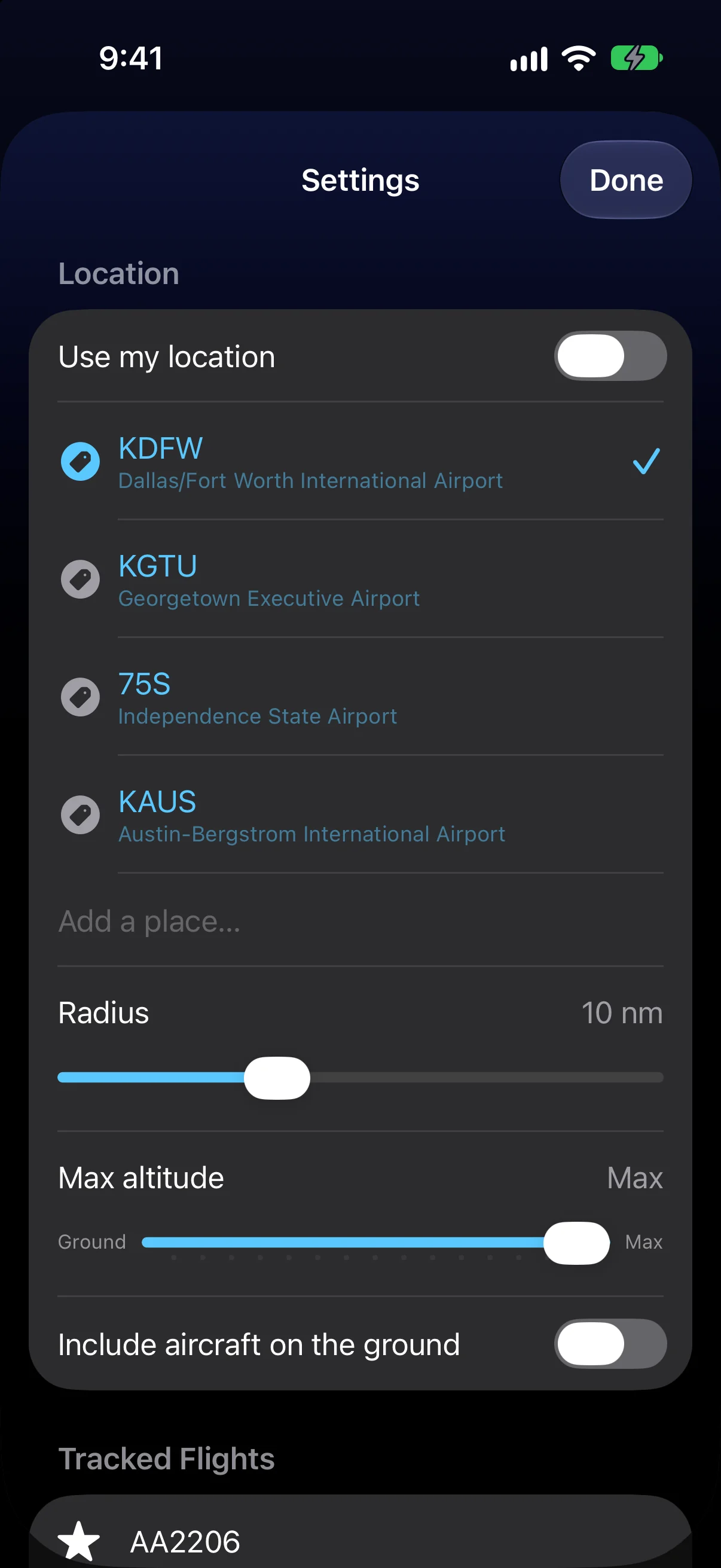
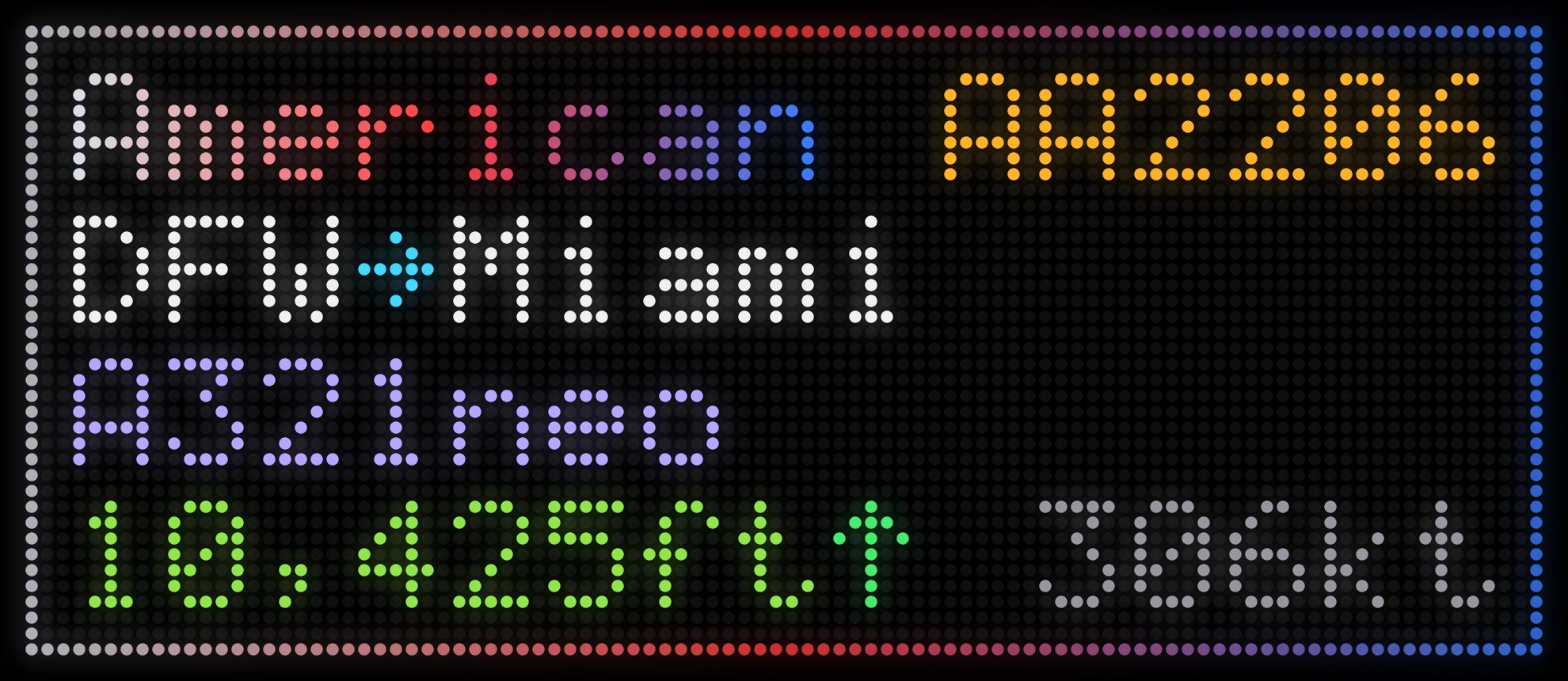
PlaneLens shows aircraft that broadcast ADS-B and are heard by a volunteer receiver near you. Coverage is best near cities and airports. Try a bigger radius or a higher max altitude, or search for a busy airport to see it working.
Where does the data come from?
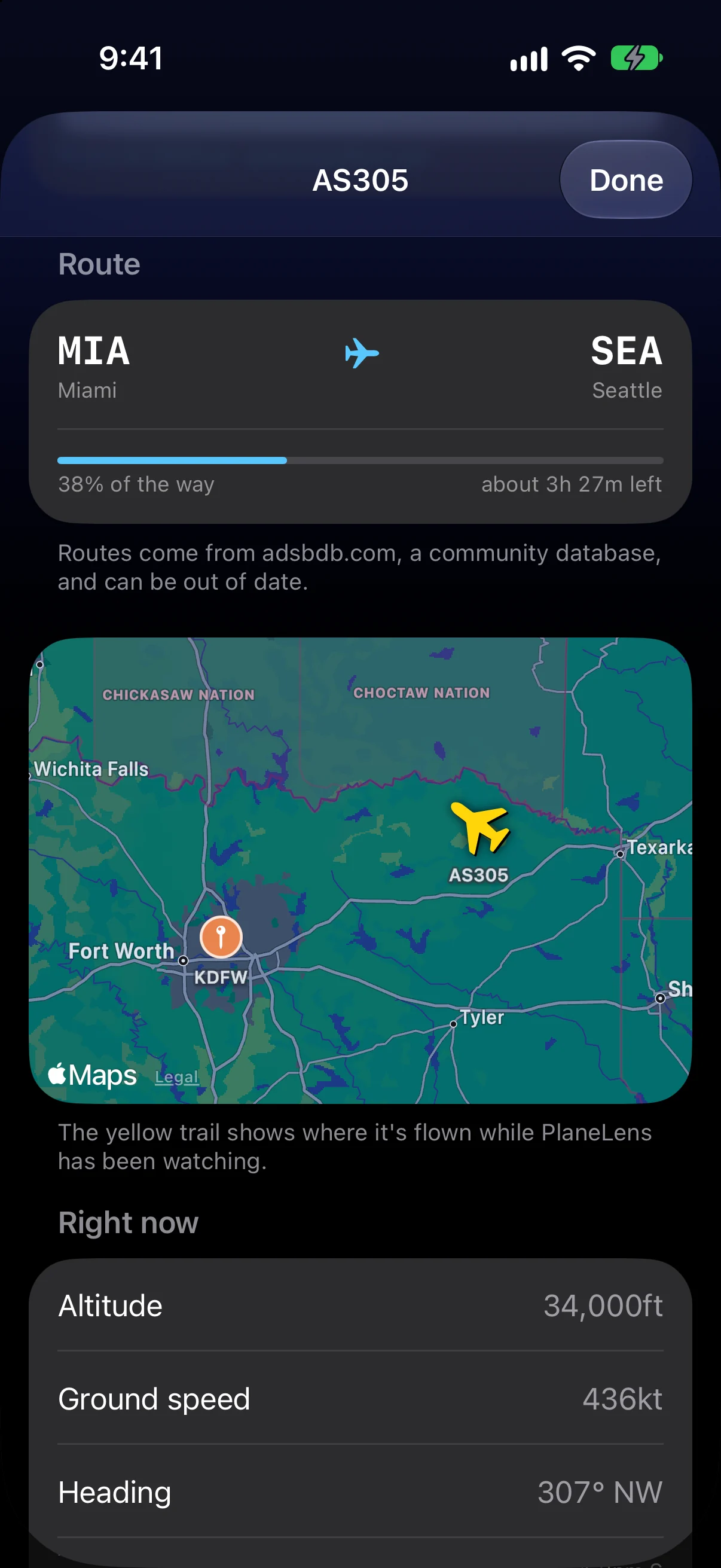
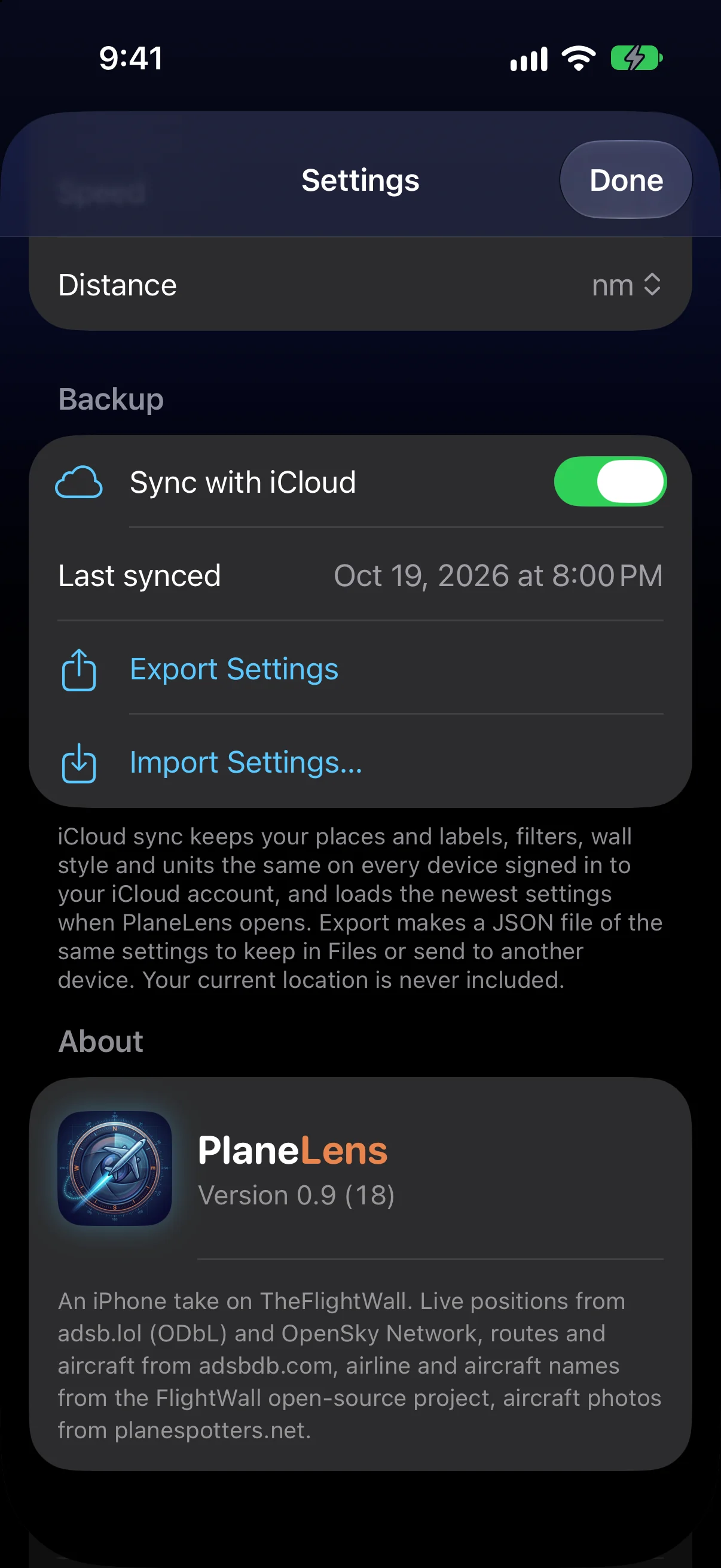
Live positions from adsb.lol (with OpenSky Network as a backup), routes from adsbdb.com, aircraft photos from planespotters.net, and airline and aircraft names from the FlightWall open-source project. Routes are crowd-sourced, so some may be missing or out of date.
What does “Data limit reached” mean?
The free flight data services limit how often each internet connection can ask. When that happens PlaneLens waits quietly and shows the time flights come back; switching to cellular or another Wi-Fi network gets a fresh limit. See the support page for details.
Which flights can I track?
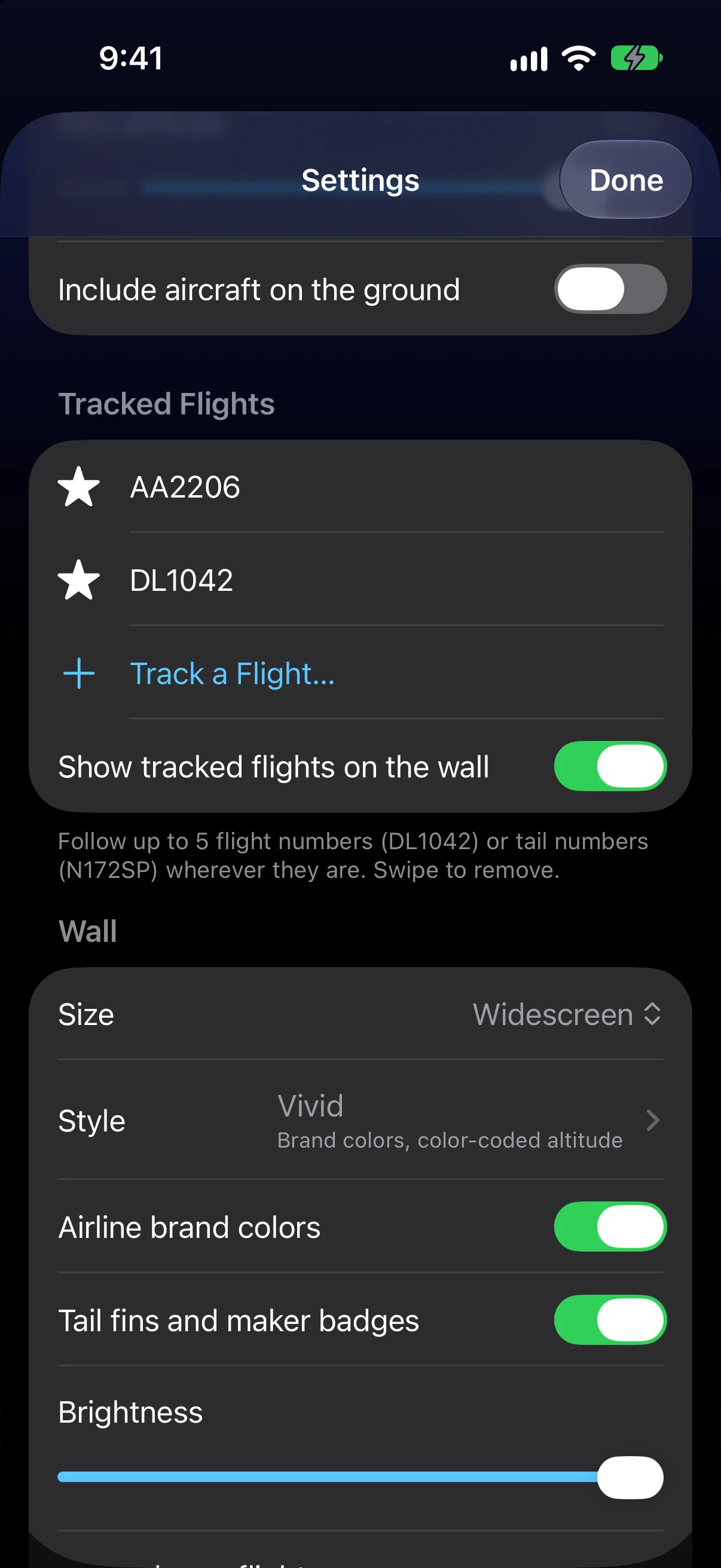
Up to five flight numbers (DL1042, WN3484) or tail numbers (N172SP). PlaneLens finds them anywhere they're being received, and tells you when one isn't flying.
Do I have to share my location?
No. Turn off Use my location in Settings and search for a city, address or airport instead. Either way, only a point rounded to about a kilometer is sent to find nearby aircraft.
Why isn't my widget up to date?
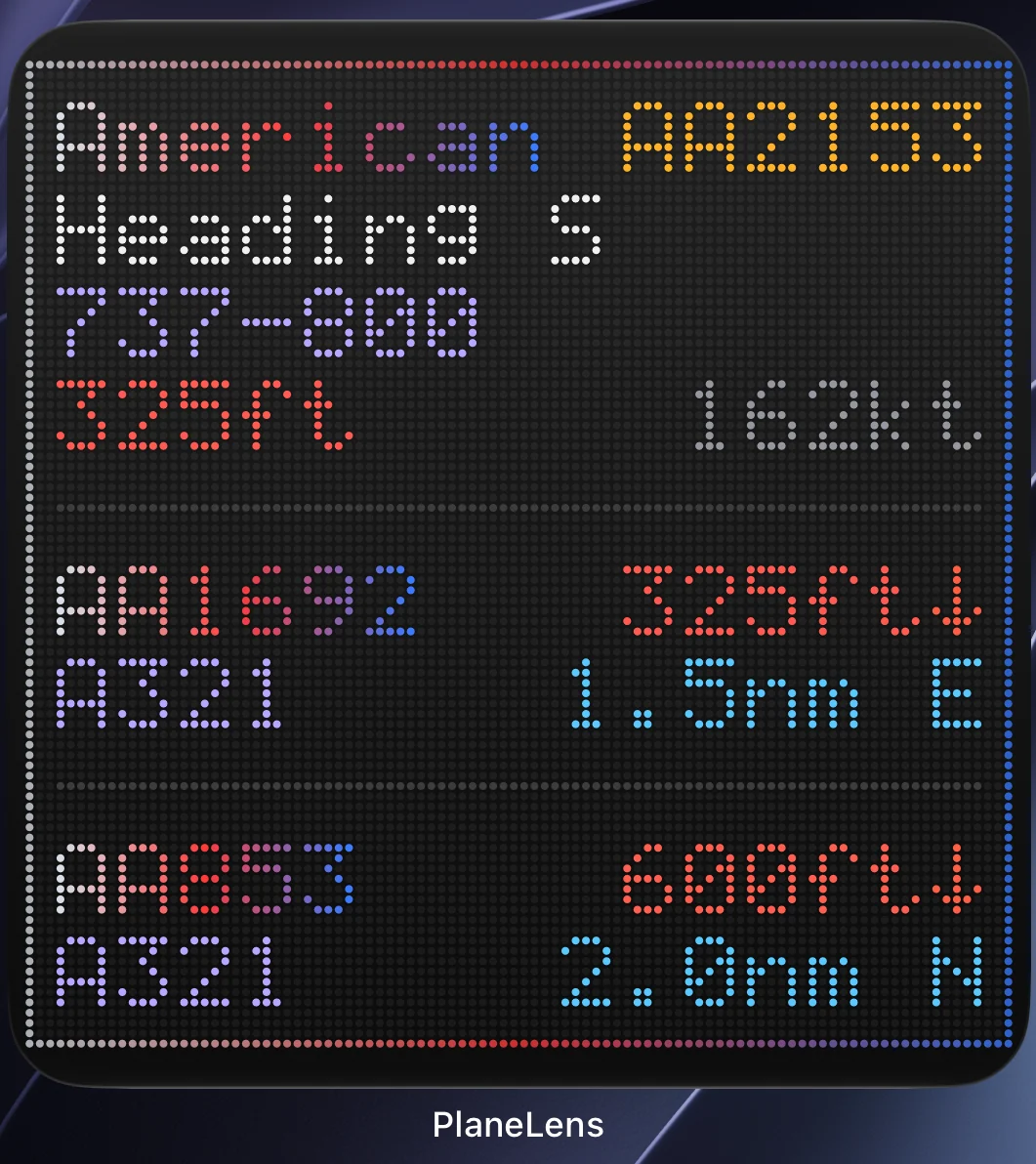
iOS decides how often widgets refresh. Between refreshes PlaneLens moves the planes along their paths minute by minute; tap the widget for fresh data, or open the app and the widgets catch up.
How do I get help?
See the support page or email support@planelens.app. A real person reads every message.